Microsoft Token Protection Rollout: Essential Guide for MSPs
In the first part of our Microsoft Entra Security Series, we delved into how Microsoft’s Token Protection bolsters session security by tying tokens to the device where they were issued, thereby preventing token replay attacks and Business Email Compromise (BEC) threats. Now, in Part 2, we will discuss the practical considerations Managed Service Providers (MSPs) must evaluate before activating this feature across client environments.
Token Protection in the Defense-in-Depth Model
Where Token Protection Fits
- Layer: Identity & Access Security
- Primary Goal: Prevent session hijacking and token replay after Multi-Factor Authentication (MFA) is passed
Why It Matters
Most Microsoft 365 breaches originate from identity compromise, often through phishing, token theft, or BEC. Traditional MFA cannot stop an attacker once they have stolen a valid session token. Token Protection addresses this gap by ensuring tokens only work on the device they were issued from.
Important: Token Protection is not a phishing blocker, credential safeguard, or lateral movement stopper. It is a containment and enforcement tool that activates after login to stop token misuse.
Complementary Controls for a Layered Approach
1. Credential & MFA Hardening (Front Door Security)
- Use phishing-resistant MFA (FIDO2 security keys or passkeys) for privileged and high-risk accounts
- Disable legacy protocols (POP/IMAP/SMTP Basic Auth)
- Baseline Conditional Access Policies: Require MFA, enforce compliant devices, block risky logins
Token Protection follows MFA. These controls reduce the chance of compromise in the first place.
2. Device & Endpoint Security (Device Trust Layer)
- Microsoft Intune: Enforce encryption, patching, Defender, and other compliance policies
- Defender for Endpoint: Feed real-time device risk into Conditional Access
- Mobile Application Management (MAM): For devices without token binding (e.g., iOS/Android)
Token Protection is only effective if devices are trustworthy. Endpoint health is critical.
3. Session & Application Security (During Use)
- Token Protection: Binds session tokens to a single device
- App-Enforced Restrictions: Limit unmanaged devices to web-only access
- Continuous Access Evaluation (CAE): Instantly revokes sessions when risk signals spike (e.g., new location, device risk)
These controls keep sessions secure after sign-in, not just during login.
4. Monitoring & Response (Detect + Contain Breaches)
- Microsoft 365 Unified Audit Logs: Detect failed token bindings, suspicious logins
- Microsoft Sentinel or XDR solutions: Correlate session anomalies with broader threats
- Automated Response Playbooks: Lock compromised accounts or isolate risky endpoints
Even with token binding, attackers may pivot. Detection ensures visibility and response.
5. Data & Insider Risk Protections (Last Line)
- Purview DLP & Insider Risk Policies: Monitor data exfiltration behavior
- Information Protection (Sensitivity Labels): Keep data encrypted, even if stolen
- Secure File Sharing Controls: Prevent “download and walk away” tactics
If session or identity controls fail, data-centric security limits damage.
MSP Talking Point
Think of Token Protection as the middle guardrail in a broader zero-trust defense:
- Credentials + MFA stop intruders at the front door
- Token Protection prevents them from stealing the visitor badge
- Endpoint, detection, and data controls stop lateral movement and data theft
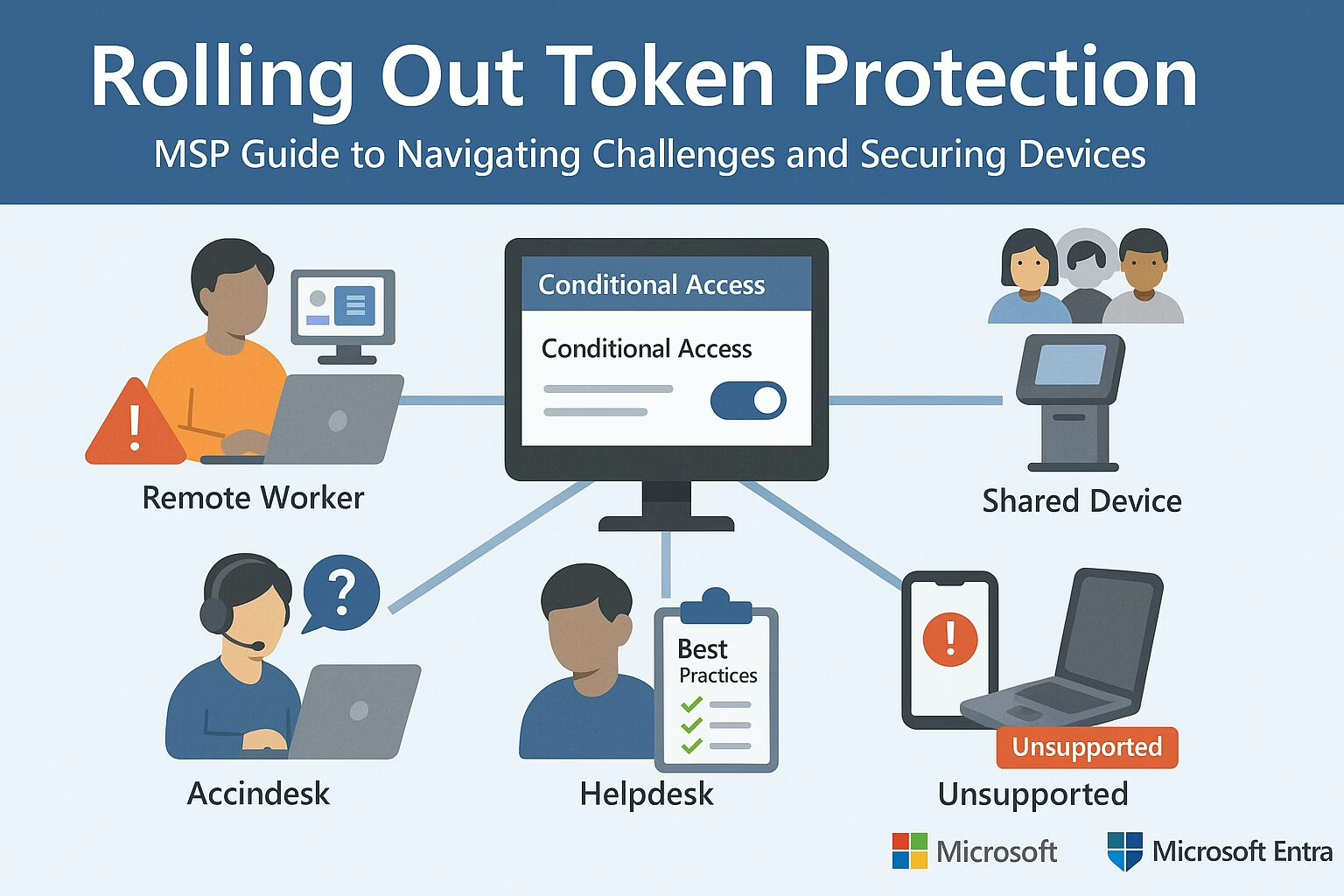
Seven Common Challenges When Enabling Token Protection
1. Remote Workers on BYOD or Unmanaged Devices
- Issue: Token binding only works on devices that are Entra-joined, hybrid-joined, or registered.
- Impact: Personal or unmanaged devices not enrolled in Entra or Intune will fail token binding and lose access to apps like Outlook, SharePoint, or Teams.
- Mitigation:
- Use Conditional Access filters to exclude BYOD users from enforcement initially
- Educate users on enrolling their devices in Entra or Intune
- Consider allowing web-only access for unmanaged users
2. IT/Admins Using Multiple Devices or Jump Hosts
- Issue: Admins often use multiple VMs, RDP sessions, or jump boxes that don’t support token binding.
- Impact: Breaks workflows like accessing Azure/M365 portals from secondary systems.
- Mitigation:
- Start with pilot testing on admin groups
- Monitor sign-in logs for token binding failures
- Encourage use of supported authentication flows and endpoints
3. Shared Devices (e.g., Kiosks, Front Desks)
- Issue: Token Protection expects a 1:1 relationship between device and user.
- Impact: Shared logins or fast user switching cause session conflicts or app errors.
- Mitigation:
- Exclude shared device groups from token-bound policies
- Explore alternatives like Assigned Access or per-user Windows profiles
4. Legacy Apps and Third-Party Clients
- Issue: Apps not using modern auth (OAuth 2.0 + OpenID Connect) may bypass token binding.
- Impact: Users may experience app crashes, failed logins, or unpredictable behavior.
- Mitigation:
- Deploy Conditional Access in report-only mode
- Use logs to identify legacy apps
- Encourage migration to modern authentication
5. Non-Windows Devices (Mac, Linux, Mobile)
- Issue: Token binding only supports Windows 10+ devices today.
- Impact: macOS, iOS, Android—even official Microsoft apps like Outlook Mobile—don’t enforce token binding.
- Mitigation:
- Segment policies by platform
- Use device compliance and app-based CA to protect these endpoints differently
- Exclude unsupported OSes from token-bound policies
6. VDI Environments (Citrix, Azure Virtual Desktop)
- Issue: Virtual desktops often break token/device pairing due to pooled profiles and session resets.
- Impact: Frequent reauthentication or broken app sessions.
- Mitigation:
- Test token binding in VDI scenarios before enforcement
- Consider excluding VDI endpoints entirely from this CA policy
7. End-User Confusion and Helpdesk Load
- Issue: Binding failures typically result in vague “sign-in errors,” frustrating users and increasing ticket volume.
- Mitigation:
- Prepare internal support docs with examples of common token binding errors
- Train helpdesk teams to quickly identify and resolve device enrollment issues
- Send advance communications to users before enabling enforcement
Deployment Best Practices
To ensure a successful rollout, Microsoft and experienced IT professionals recommend the following phased approach:
- Start in Report-Only Mode:
- Simulate policy impact without blocking access
- Use Sign-in Logs to monitor failures under “Token Binding Status”
- Pilot with Internal IT or Small Departments:
- Gather feedback from power users and troubleshoot issues early
- Analyze App Compatibility and Device Posture:
- Use tools like Policy Insights and Azure AD logs
- Identify users on non-compliant OS, legacy clients, or shared systems
- Exclude High-Risk Groups from Enforcement Initially:
- BYOD, shared PCs, VDI users, or execs who depend on multiple platforms
- Educate Users Before Enforcing:
- Explain the why behind the policy
- Provide links to self-enrollment guides and support channels
Final Thoughts for MSPs
Token Protection is a powerful step forward in stopping token replay and Business Email Compromise, but it’s not “set and forget.” MSPs must approach deployment with care, context, and client education.
By piloting cautiously, leveraging report-only modes, and communicating clearly, MSPs can help clients realize the security benefits of token binding without disrupting productivity. For more information, visit the Microsoft official website.
Microsoft’s Power Move: Crushing Token Theft and BEC Attacks
We’re kicking off a two-part series on Microsoft’s latest email security upgrade. Today, we’re diving into session token protection, a feature now packed into Office 365 P1 licenses. In this first installment, we’ll unpack what session token theft is, why it’s becoming a bigger threat by the day, and how you can shield your organization from it. We’ll also shine a light on Microsoft’s game-changing decision to include this feature in P1 licenses—previously, it was only for E5 and Entra ID P2 users. Stick around for Part 2, where we’ll roll up our sleeves and get into the nitty-gritty of putting this into practice for MSPs.
What’s Token Session Theft?
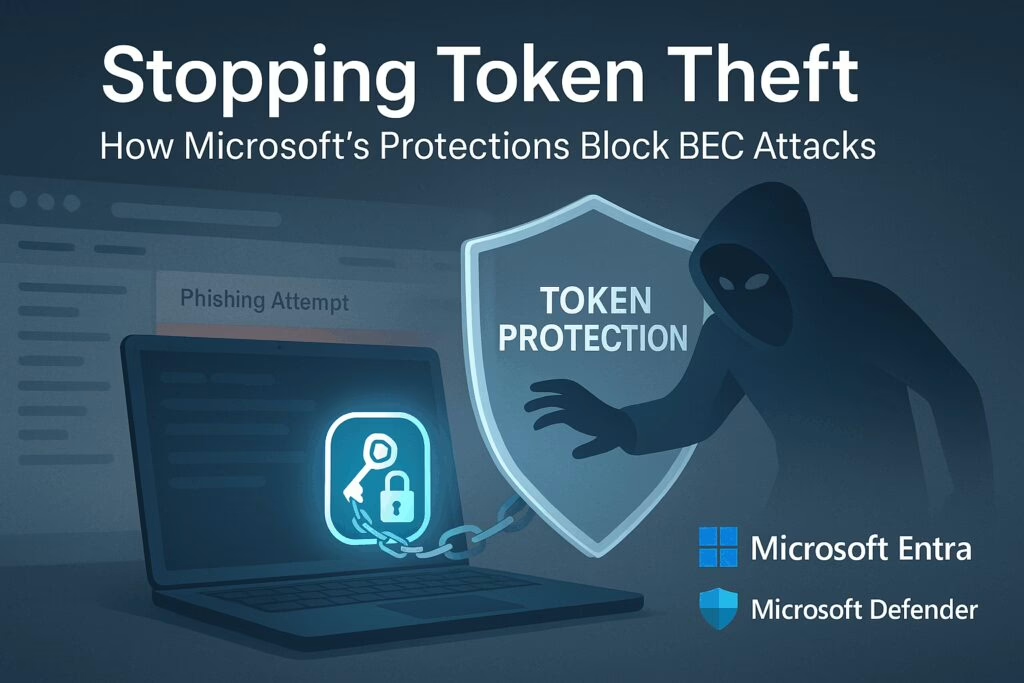
Token session theft, also known as token theft or session hijacking, is when bad actors swipe session tokens from authenticated users, often through phishing scams or malware. These stolen tokens are then used to impersonate users, sidestepping authentication measures like passwords and Multi-Factor Authentication (MFA).
Why’s It on the Rise?
What’s Token Protection?
Token Protection, sometimes called token binding, is a Conditional Access (CA) feature in Microsoft Entra ID. It cryptographically ties session tokens to the specific device where they were issued, ensuring that even if a token is stolen, it can only be used on the original device.
Key Requirements and Mechanisms
- Device Binding: Tokens are bound to devices that are Microsoft Entra joined/hybrid joined/registered running Windows 10 or newer.
- Supported Platforms/Apps: Exchange Online, SharePoint Online, OneDrive sync, Teams desktop client, Power BI, Microsoft Graph PowerShell, Visual Studio 2022 with WAM broker, Windows App, and more.
- Conditional Access Policy Setup:
- Target Windows devices only
- Select client apps: Mobile and desktop clients
- Under Session controls, enable “Require token protection for sign-in sessions”
Deployment Best Practices
- Start in report-only mode to monitor compatibility
- Pilot with small groups
- Use sign-in logs and policy impact tools to review binding status before enforcing
Additional Defense Layers
- Device Hardening: Require managed/compliant devices via Intune + Defender for Endpoint, enable Credential Guard, tamper protection, and malware prevention to minimize initial token theft risk.
- Conditional Access Rules:
- Risk-based sign-in policies (via Entra ID Protection) to block or revoke access based on abnormal behavior or MFA bypass attempts
- Network-based controls such as Global Secure Access (compliant network enforcement) or IP anchoring to prevent token replay from unauthorized locations
- Continuous Access Evaluation (CAE): Real-time session revocation upon detection of suspicious activity like impossible travel or new IP access.
Microsoft Licensing Tiers That Support These Protections
- Entra ID P1: Included with Microsoft 365 Business Premium and Microsoft 365 E3 as baseline. Required for Conditional Access token protection feature in preview. Enables device-bound token enforcement via Conditional Access policies.
- Entra ID P2 or Entra Suite: Includes Entra ID Protection, which is separate from token protection. Enables advanced risk-based identity protection: risk-based access policies, detection, investigation, and remediation capabilities like sign-in risk and user risk policies.
Why You Should Implement These Protections
Final Thoughts
Token-based attacks are skyrocketing because they bypass traditional MFA and steal access entirely. Microsoft’s Token Protection (included with Entra ID P1) securely ties tokens to devices via Conditional Access, blocking token reuse on unauthorized machines. For full identity risk detection and automated remediation, upgrading to Entra ID P2 or the Entra Suite brings in identity protection, CAE, and deeper risk policies. Together, these layered defenses dramatically reduce Business Email Compromise (BEC) and token replay threats.
Stay Tuned
In two weeks, we’ll drop Part 2 of this series, where we’ll dive into implementation tips for MSPs. We’ll walk through how to configure Token Protection in Entra ID P1, what pitfalls to avoid, and how to make this a standard part of your client security stack. Don’t miss it—this is where policy meets practice.