Microsoft’s Passkey Integration in Windows: The Dawn of a Passwordless Era
Let’s face it, how many of us have reset a password at least once this month? For decades, passwords have been the cornerstone of digital authentication, but they’ve also been the root cause of countless security breaches. They’re reused, forgotten, stolen, and phished with alarming ease. Today, the tide may be turning.
What Are Passkeys?
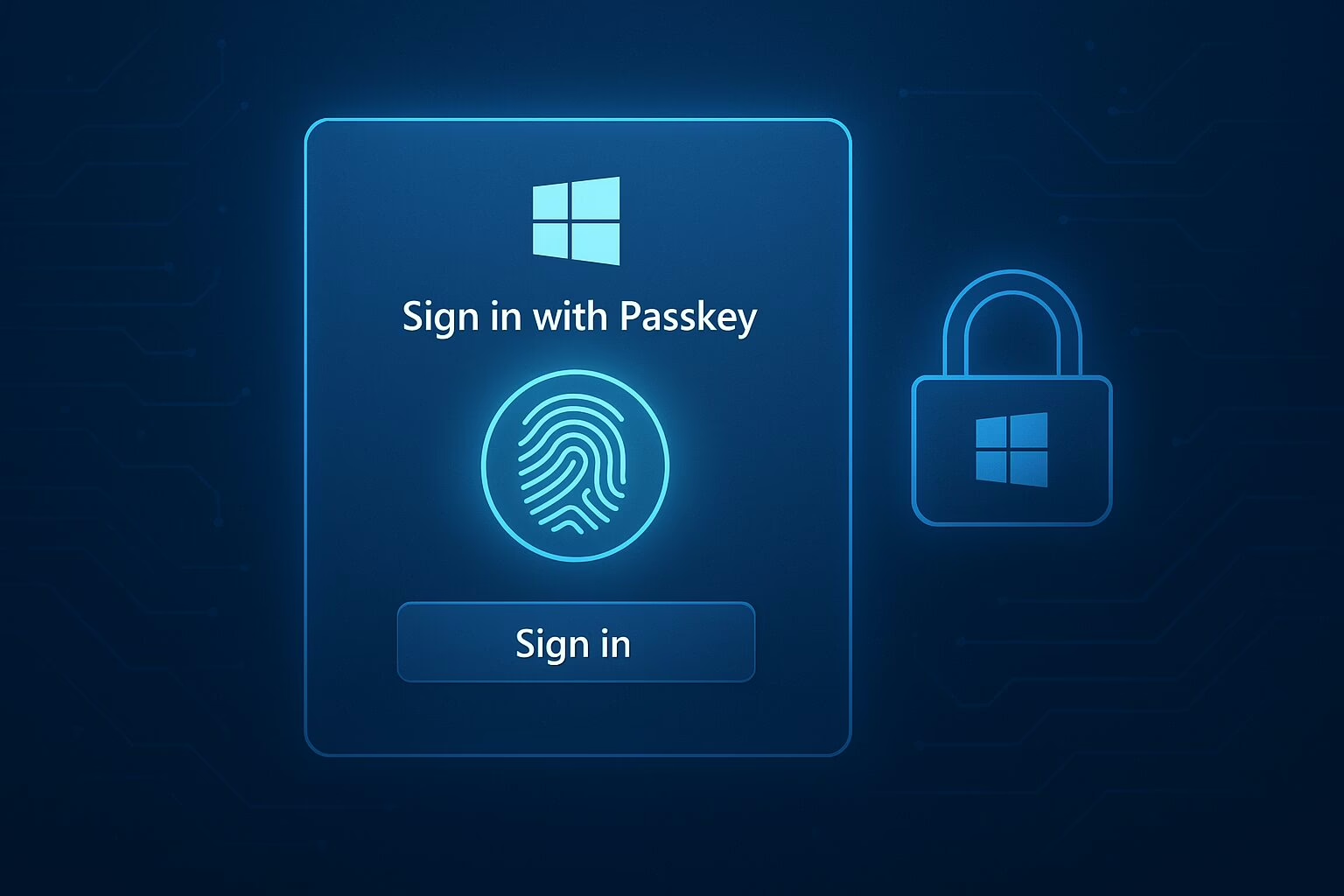
A passkey is a cryptographic credential that replaces traditional passwords with strong, phishing-resistant authentication. It’s akin to multi-factor authentication, often delivered in a single action. Instead of relying on something you know, passkeys use something you have (your device) and something you are (a fingerprint, face, or PIN).
Each passkey consists of two parts:
- A private key, stored securely on your device and never shared.
- A public key, stored by the service you’re logging into.
When you sign in, your device uses the private key to verify your identity without ever transmitting a password. There’s nothing for attackers to steal and reuse, making passkeys a significant upgrade over traditional passwords.
Why This Matters
Passkeys offer several advantages:
- Phishing-resistant: They only work on the legitimate site they were created for.
- Reusable across devices: But not across domains, enhancing security.
- Simpler for users: Eliminating the frustration of password resets and slow multi-factor authentication processes.
Microsoft’s latest Windows 11 preview builds make passkeys easier to use and manage. Key improvements include seamless syncing with password managers like 1Password, an open integration framework for other password managers, and phasing out password storage within Microsoft Authenticator.
The Broader Passkey Movement
Microsoft isn’t alone in its push for passkeys. Apple, Google, and other members of the FIDO2 Alliance have integrated passkey support across their ecosystems. Apple’s integration into iOS, iPadOS, and macOS allows users to authenticate seamlessly through Face ID or Touch ID. Google supports passkeys across Chrome, Android, and Workspace accounts. Major password managers like 1Password, Dashlane, and Bitwarden are rolling out FIDO2-compliant sync and backup to make passkeys usable across devices and platforms.
Microsoft’s Official Push Toward Passwordless Authentication
According to Microsoft’s documentation, Windows users can now:
- Create, view, and manage passkeys directly from system settings.
- Use Windows Hello, facial recognition, or a secure PIN for login.
- Sync passkeys across devices via Microsoft Entra ID or a Microsoft account.
- Integrate with enterprise systems like Intune for centralized management.
This represents a unified ecosystem aligned with FIDO2 standards, ensuring compatibility across platforms like Windows OS, Android, iOS, macOS, and ChromeOS.
Industry Reactions
Industry experts have noted that this update closes the gap between Microsoft and its competitors, marking a pivotal step toward mass adoption of passwordless technology. Passkeys not only make life easier for end users but also drastically reduce credential-related attacks. No password reuse, no credential stuffing, no phishing success.
What Businesses Should Do Now
For IT leaders and security professionals, this shift presents both an opportunity and a challenge. The opportunity lies in stronger security with fewer user errors. The challenge is modernizing systems and user habits built around passwords.
Organizations can start by:
- Testing passkeys in pilot groups within Microsoft Entra ID environments.
- Educating employees on how passkeys work and why they’re safer.
- Updating policies to embrace passwordless authentication as a strategic goal.
With Microsoft leading the charge toward passkeys, it’s time to add passkey adoption to your cybersecurity program roadmap. Passwords were never meant to last forever, and passkeys are the technology that will finally replace them.