Zero Trust RPAM: Revolutionizing Secure Remote Access for the Modern Workforce
Zero Trust RPAM: Revolutionizing Secure Remote Access for the Modern Workforce
The global workforce has undergone a seismic shift since the onset of COVID-19. The traditional office setup, with IT administrators working behind a corporate firewall and local servers housed in a server room, has become a relic of the past. Today, teams are just as likely to work from coffee shops, client sites, and home offices as they are from a corporate headquarters. Critical systems have also migrated, predominantly residing in the cloud. Even developers now code and deploy in cloud-based environments. This evolution has dissolved the once-clear network perimeter, replacing it with a borderless digital ecosystem.
The Challenges of Securing Privileged Access
This significant transformation has introduced new challenges in securing privileged access to sensitive systems and data. IT administrators worldwide recognize that traditional remote access models, which rely on Virtual Private Networks and broad access rights, are no longer suitable for the modern work environment. Attackers are well aware of these vulnerabilities, and compromised privileged credentials remain a leading cause of data breaches worldwide. This is precisely where Zero Trust Privileged Access Management (ZT-PAM), also known as Remote PAM (RPAM), comes into play.
Introducing RPAM: A Solution for the Cloud-First Era
RPAM is designed for the cloud-first, hybrid workforce era. It grants access based on identity, purpose, and context rather than network location or static credentials. It’s not merely PAM with a VPN added; it’s a fundamental rethinking of how privileged users connect securely to critical systems and data.
Key Problems with Traditional Privileged Access Management
Before delving into what RPAM solves, let’s examine the key problems organizations face in today’s hyper-connected, remote-working world:
- VPNs Widen the Attack Surface: VPNs expose internal systems to the internet, creating vulnerabilities. Recent SSL VPN zero-day vulnerabilities across many firewall and VPN vendors underscore this risk.
- Shared Credentials: Shared or persistent credentials become long-lived entry points that attackers can easily exploit. Even strong authentication like Multi-Factor Authentication (MFA) cannot fully prevent session hijacking or lateral movement once an attacker gains entry.
- Static User Base Assumption: Traditional PAM tools assume a trusted corporate network and a static user base. This assumption fails when admins, contractors, and vendors connect from different networks, devices, and time zones.
The Benefits of RPAM or Zero-Trust PAM
RPAM or Zero-Trust PAM addresses many of today’s modern challenges, providing secure privileged access even when users work from untrusted networks. It brings order, accountability, and flexibility to an increasingly cloud-connected world. Here are some key benefits:
- Eliminates VPN Risks: RPAM provides access to the resource itself, not the entire network, eliminating the risk of attackers moving across the network if one laptop is compromised.
- Just-in-Time Access: Granting broad access creates unnecessary risk. RPAM delivers just-in-time access that vanishes after the task ends, dramatically shortening the attack window.
- Zero-Trust Principles: Traditional PAM cannot enforce Zero-Trust principles beyond the corporate perimeter. RPAM verifies every connection and action through continuous identity and device checks.
- Full Session Monitoring: Shared credentials make tracking actions difficult. RPAM creates complete visibility across every privileged session, improving accountability and compliance. Every command and action is logged for SOC 2, PCI, SOX, HIPAA, and ISO audits.
- Precision Access for Contractors: Contractors often require quick access to internal systems. RPAM limits their reach to exactly what they need, protecting internal networks while keeping contractors productive.
How RPAM Differs from Traditional PAM
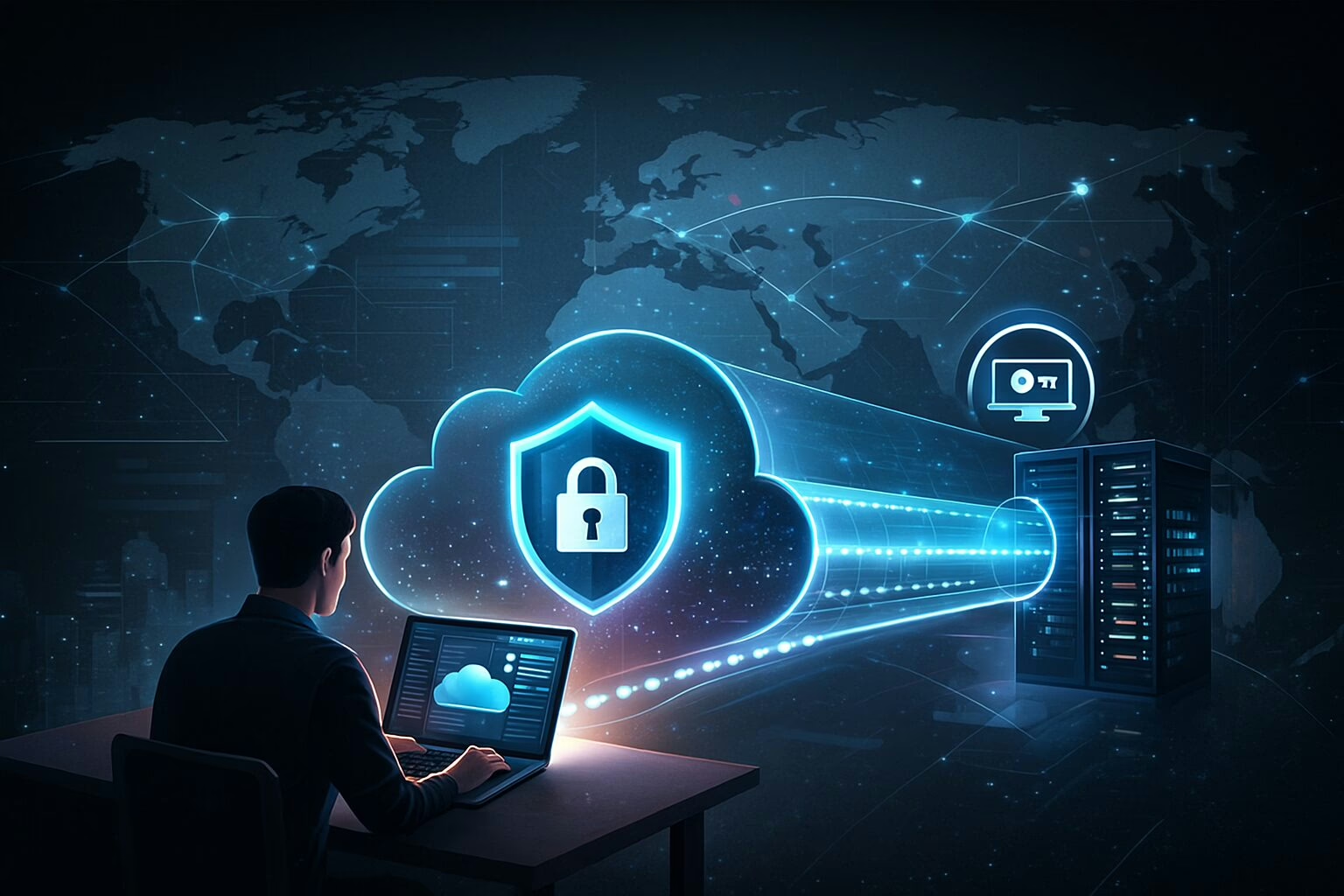
RPAM redefines privileged access. Administrators launch secure sessions directly from their browsers, eliminating VPNs, exposed firewall ports, and shared credentials. Each session flows through a secure gateway that verifies identity, purpose, and scope before granting entry. RPAM offers:
- Secure, browser-based admin sessions
- No standing privileges or shared credentials
- No VPNs or inbound firewall openings
- No direct access to internal networks
- No exposure to SSL VPN Zero-Day bugs
- Full session recording and audit trail
- Automatic credential injection for every login
- One-time access that automatically expires
Real-World Use Cases for RPAM
Organizations are adopting RPAM to simplify and secure privileged access in today’s cloud-first, remote-worker-enabled businesses. Here are some common use cases where RPAM provides measurable security, ease of use, and operational benefits:
- Vendor and Third-Party Access: Vendors connect through a secure web portal that limits access to only the systems or applications they’re authorized to manage. Every session is monitored, recorded, and automatically closed once the work is done.
- Cloud and DevOps Administration: IT and DevOps teams manage cloud platforms such as AWS, Google Cloud Platform, and Microsoft Azure without ever seeing or storing credentials. RPAM injects credentials automatically, enforcing least-privilege access to critical infrastructure.
- Remote Server Management: Administrators securely access Linux and Windows servers over SSH or RDP through an isolated session broker. No VPNs, inbound firewall rules, or shared credentials are required.
- Database Access and Auditing: Database administrators get just-in-time access for maintenance or troubleshooting. Every query and command is logged for compliance, creating a complete and tamper-proof audit trail.
- Emergency or “Break Glass” Access: When an incident occurs, authorized users receive temporary elevated access instantly. Once the task is complete, RPAM revokes access and retains full session recordings for review.
- Managed Service Provider (MSP) and Support Access: MSPs use RPAM to manage multiple client environments from a single control plane. They can connect to each client’s systems securely without needing VPNs or persistent credentials.
Conclusion
Remote work, cloud adoption, and the rise of third-party support have completely redefined how privileged access must be secured. The traditional mix of VPNs, shared credentials, and static admin rights can no longer keep up with the dynamic, distributed nature of today’s IT environments. Every new connection creates an opportunity for attack, making the adoption of RPAM a crucial step in securing the modern workforce.