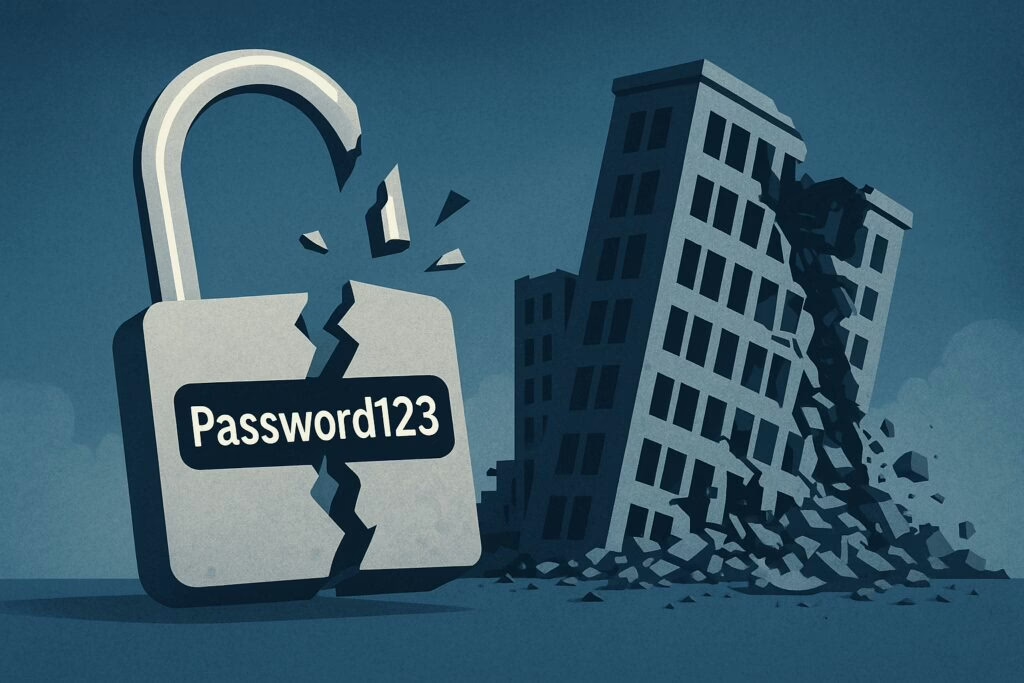
How One Weak Password Can Destroy Your Business – A Wake-Up Call
KNP Logistics Group, a renowned UK transport company with a fleet of 500 trucks and a history spanning nearly 200 years, met a sudden and tragic end. The culprit? A ransomware attack enabled by a single, weak employee password.
A Stark Reminder of Cyber Risk Neglect
The Akira ransomware gang didn’t need sophisticated exploits or zero-day vulnerabilities to breach KNP’s systems. They simply found an internet-facing account without multi-factor authentication (MFA), cracked the weak password, and gained access. Once inside, they encrypted critical systems, destroyed backup and disaster recovery systems, and demanded a £5 million ransom. With no viable recovery path, KNP entered administration, leaving 700 employees jobless. A single poor password and the lack of MFA brought down 158 years of business.
The Persistent Problem of Weak Passwords
Despite years of warnings, weak passwords remain a significant vulnerability:
It only takes one careless credential to invite disaster.
Critical Lessons from the KNP Breach
This incident highlights several essential security practices:
How CyberHoot Can Help
At CyberHoot, we understand that password hygiene is a critical skill in an organization’s security culture. We focus on positive reinforcement of educational goals and practical tools, including:
The collapse of KNP Logistics was not due to hackers with unlimited resources but a single weak password. Businesses cannot afford to ignore this reality. Review your MFA coverage today. CyberHoot can help ensure no single password ever ends your business.
Mastering Password Security – The Ultimate Guide to Passphrases and Managers
Grab a cup of coffee, sit back, relax, and read on! We’re glad you’re here. Today, we’re diving into the world of password security, passphrases, and password managers. By the end of this guide, you’ll be well-equipped to protect your personal and professional information like a pro.
How Secure Are Your Passwords?
According to the 2018 Verizon Data Breach Incident Report, nearly 3 out of 4 consumers use duplicate passwords, many of which haven’t been changed in five years or more. Shockingly, about 40 percent of those surveyed reported a security incident in the past year. It’s time to take password security seriously.
Have Your Passwords Been Breached?
If you’re like most people, you’re reusing passwords across multiple sites. With over 8 billion passwords publicly reported as breached, it’s highly likely that your favorite passwords have already been compromised. To check if your passwords have been breached, visit Have I Been Pwned.
The Power of Password Managers
Password managers are purpose-built applications that encrypt your critical passwords, passphrases, and other sensitive data. They can fill in your login details automatically when you visit a website, saving you time and enhancing your security. However, it’s crucial to protect your password manager with a strong, 16-20 character passphrase that you’ll never forget.
Pro Tip: Password Managers and Phishing Attacks
Password managers can sometimes save you from phishing attacks. They won’t provide your credentials to a bogus website. For instance, if you’re tricked into clicking a link to log into GMAIL, but the website is actually GMA1l.com, your password manager won’t be fooled. It’s a powerful layer of additional security.
Password Security: The Basics
Even with password managers, passwords aren’t going away anytime soon. Therefore, it’s essential to know how to create a strong password or, better yet, a strong passphrase to protect yourself.
Creating Super-Strong Passphrases
Here’s how to create a super-strong passphrase:
- Think of a multi-word phrase: Use your favorite song lyrics, poem, book phrase, or your imagination to create memorable passphrases that are hard for hackers to guess. Examples include:
- People like 2 phish!
- Ham windows smell.
- Tiger fins R not real.
These passphrases are much harder for hackers to breach than even a randomly generated 9-character password. The longer the passphrase, the stronger and more difficult it is to hack.
Password Tips
Here are some essential password tips:
- Use 15-20 (or more) characters in your passphrase.
- Use a passphrase to unlock your password manager.
- Let your password manager generate, fill, and store randomly generated passwords for your online accounts.
- Avoid writing passwords down or storing them in a spreadsheet or electronic document unless encrypted with 256-bit AES encryption.
- Use unique passphrases to unlock your computer desktop or laptop.
- Encourage your IT Director to migrate to 14+ character non-complex, non-expiring passphrases at work and stop changing them every 90 days.
- Many password managers are free for personal use. Learning to use a password manager is like learning to type—difficult at first, but incredibly productive and secure once mastered.
- For critical accounts (banking, email, VPN access), enable two-factor authentication.


