Aura vs LifeLock: Which Service Actually Protects You? (2025 In-Depth Review)

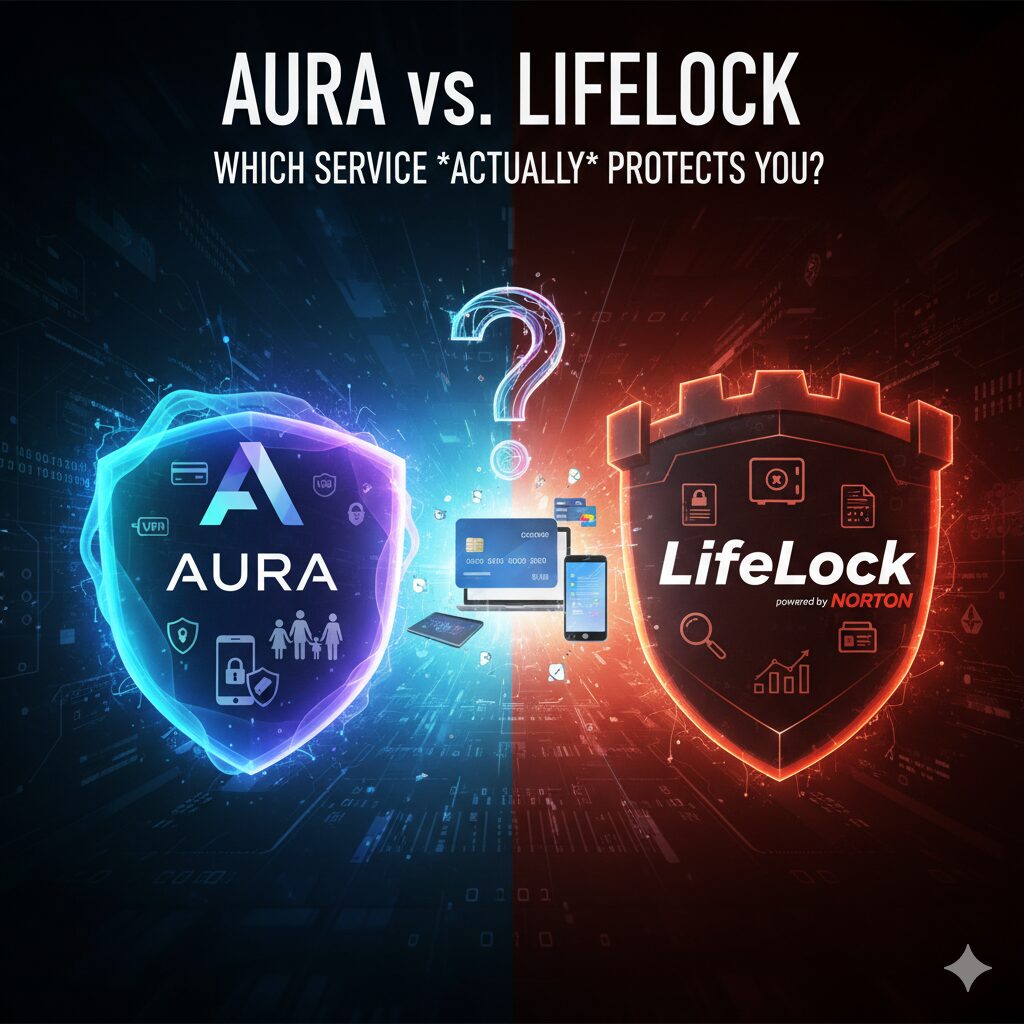
Aura vs LifeLock – Which Service Actually Protects You? (2025 In-Depth Review)

Aura vs LifeLock: Which identity theft protection is truly better? We compare features, 3-bureau credit monitoring, VPN, antivirus, family plans, and pricing for 2025. Find out who actually protects you. In an age where our personal data is scattered across the digital universe, identity theft has evolved from a distant threat to a daily risk. To combat this, two titans dominate the protection market: Aura vs LifeLock.

​Both services promise millions in insurance, 24/7 monitoring, and dark web scans. But beyond the marketing buzz, which one actually delivers comprehensive protection for you and your family? ​We’re putting Aura and LifeLock head-to-head, comparing them on core features, digital security extras, family plans, ease of use, and overall value.

Which One is for You?

​If you’re short on time, here’s the bottom line:

  • Choose Aura if: You want a modern, “all-in-one” digital security suite (VPN, Antivirus, Password Manager) combined with best-in-class family protection and faster fraud alerts.
  • Choose LifeLock if: You trust one of the industry’s most established brand names and want protection that is deeply integrated with the powerful Norton 360 antivirus platform.

Identity & Credit Monitoring

​The primary job of both services is to monitor your identity. However, how they monitor and how fast they alert you are critical differences.

​Identity Monitoring (SSN, Dark Web, Accounts)

​Both Aura and LifeLock scan the dark web, court records, and new account openings tied to your Social Security Number (SSN) and other personal information.

  • LifeLock (with Norton): As an industry veteran, LifeLock leverages a vast monitoring network. It has strong features like Home Title Monitoring (on its top plan).
  • Aura: While newer, Aura has built a reputation for speed. It excels at near-real-time alerts, particularly for financial transactions. Users often report receiving an alert from Aura for a suspicious bank or credit card charge seconds or even minutes before competitors (including LifeLock). In identity theft, seconds matter.

Winner: Aura (For its reported alert speed)

​Credit Monitoring (The 3 Bureaus)

​This is one of the most significant differences. Your credit report is often the first place fraud appears. Comprehensive protection requires monitoring all three major credit bureaus: Experian, TransUnion, and Equifax.

  • LifeLock: Provides 3-bureau monitoring only on its most expensive “Ultimate Plus” plan. Its lower-tier plans (Select, Advantage) only monitor a single bureau (Equifax). This can leave critical blind spots.
  • Aura: Includes 3-bureau credit monitoring on all of its paid plans. This means every customer, regardless of their subscription tier, gets comprehensive credit protection from the start.

Winner: Aura (Hands down. 3-bureau monitoring for everyone is a massive advantage.)

​Digital Security Extras – The “All-in-One” Promise

​Identity theft isn’t just about credit. It’s about data breaches, weak passwords, and malware. A modern protection service must secure your devices and online activity.

  • LifeLock: Bundles its service with Norton 360, one of the most recognized antivirus solutions in the world. This package includes a VPN, antivirus scanner, and a password manager. However, it often feels like two separate services—LifeLock and Norton—packaged together.
  • Aura: Was built from the ground up to be a single, integrated digital security suite. Every Aura plan includes:
  • VPN (Virtual Private Network): Encrypts your internet connection on public Wi-Fi.
  • Antivirus: Protects your devices from malware, ransomware, and viruses.
  • Password Manager: Creates and stores strong, unique passwords.
  • Spam Call & Text Blocker: Filters out annoying and dangerous solicitations.

​Aura’s approach is seamless. You manage your entire digital safety net—from identity to devices—from one simple, modern dashboard.

Winner: Aura (For its truly integrated, all-in-one platform)

​Family Plans & Parental Controls

​When protecting a family, the needs expand to include children and spouses.

  • LifeLock: Offers family plans (Norton 360 with LifeLock for Family) that extend identity monitoring to multiple adults and children. However, its parental controls are a separate Norton feature and can feel disconnected.
  • Aura: Excels in this category. Aura’s family plan is not just about monitoring. It includes a comprehensive parental control suite that is fully integrated. With it, you can:
  • ​Monitor kids’ online activity.
  • ​Manage and limit screen time.
  • ​Filter inappropriate websites and content.
  • ​Track device location.

​Furthermore, Aura’s insurance coverage scales intelligently. A family plan includes up to $1 million in identity theft insurance per adult member, meaning a family of five (two adults, three children) gets $2 million in total coverage.

Winner: Aura (For its superior, integrated parental controls and robust family insurance)

​Pricing and Value

​This is where many users get confused, especially with introductory offers.

  • LifeLock: Is famous for offering deep first-year discounts. The sticker shock comes at renewal. Users frequently report renewal price hikes of 40-70%, which can be frustrating. You also have to pay for the most expensive “Ultimate Plus” plan to get the 3-bureau monitoring.
  • Aura: Offers simpler, more transparent pricing (Individual, Couple, Family). While it also uses introductory offers, its renewal prices are generally more competitive. Most importantly, you get all the core features (3-bureau monitoring, VPN, Antivirus) even on the cheapest individual plan. You are paying for how many people you want to cover, not for which features you want to unlock.

Winner: Aura (For better long-term value and more transparent pricing)

​Recovery & Insurance (If the Worst Happens)

​If your identity is stolen, both services promise to help fix it.

  • Insurance: Both Aura and LifeLock offer up to $1 million in identity theft insurance on their top plans. This covers stolen fund reimbursement, legal fees, and other expenses.
  • Restoration: Both provide 24/7 access to U.S.-based restoration specialists who will work on your behalf (a “white-glove” service) to resolve the fraud with banks, credit bureaus, and agencies.

​In this category, both services are robust and offer the high-level support you would expect.

Winner: Tie

The Verdict: Aura vs LifeLock in 2025

FeatureAuraLifeLock (with Norton)
Credit Monitoring3-Bureau (On All Plans)1-Bureau (Lower Plans), 3-Bureau (Top Plan)
Fraud Alert SpeedExcellent (Near real-time)Good
VPN✅ Included✅ Included (via Norton)
Antivirus✅ Included✅ Included (via Norton)
Password Manager✅ Included✅ Included (via Norton)
Family PlanExcellent (w/ Parental Controls)Good (Monitoring only)
User InterfaceModern & Fully IntegratedSlightly Clunky (LifeLock + Norton)
Pricing/ValueExcellent (Transparent)Good (First Year), Expensive (Renewal)

Final Decision: Which Service Actually Protects You?

LifeLock, backed by Norton, is a powerful and reputable choice, especially if your primary concern is leveraging a top-tier antivirus engine you already know and trust. ​However, in 2025, Aura is the clear winner for the majority of users. ​Aura’s strategy is simple and more aligned with modern threats: it combines best-in-class identity protection (3-bureau monitoring for everyone) with a complete, easy-to-use digital security suite (VPN, Antivirus). Its superior family plans and more transparent pricing structure provide better long-term value without forcing you to buy the most expensive plan just to get the essentials.

​If you are starting fresh and want one service that actually protects your identity, your finances, and your devices, Aura is the smarter choice.

Similar Posts

  • Insider Threats – When Your Biggest Digital Risk Walks in Through the Front Door

    The most dangerous security challenge organizations face is not always the external hacker or the sophisticated cyber gang; often, it is the person sitting at a nearby desk. Insider threats—which include current or former employees, contractors, or business partners who misuse their authorized access—represent one of the costliest and most difficult risks to detect. While firewalls guard the perimeter, insider threats bypass these defenses entirely, walking through the front door with legitimate credentials and direct access to sensitive data, systems, and proprietary information.

  • Biometrics in 2026 – Is Facial Recognition the Key to Ultimate Security or a Privacy Nightmare?

    The discussion around security and privacy is reaching a fever pitch, and at its center is the rapid deployment of biometric technologies. Biometrics in 2026 represents a pivotal moment where facial recognition, fingerprint scans, and iris authentication are transitioning from niche security tools to pervasive elements of daily life. While proponents hail facial recognition as the ultimate key to swift, immutable identity verification and heightened security, critics warn that its widespread use heralds an unprecedented era of surveillance and privacy erosion. Understanding the dual nature of Biometrics in 2026 is essential for shaping its ethical future.

  • Using Docker for Penetration Testing Experts

    Using Docker for Penetration Testing Experts, Docker’s, DevOps except it’s very attractive for you cyber security in the field of cyber security experts, penetration testers and black-white-blue-green-red… hat hackerwe see that they are preferred by ‘people and we recommend that they use them to do their job.

  • Cyber Security Measures to be Taken in the Office

    Good cybersecurity is key to reducing the risk of cyber attacks in your business, and its main purpose is to protect your devices, the services you access with those devices, and the important information stored on those devices.

  • Docker Installation and Usage Example

    Cybersecurity if you work in the field, you need to have a very wide range of deep knowledge as well as constantly continue your development. Last year, if you followed software development trends Dockeryou may have heard of ‘a lot. DevOps you may notice that developers working in the field talk about containers, isolated machines, hypervisors, and they often talk about them. Here in this article is one of the above statements, “Why we need containers“, we’ll talk about that.