Microsoft’s Power Move: Crushing Token Theft and BEC Attacks
We’re kicking off a two-part series on Microsoft’s latest email security upgrade. Today, we’re diving into session token protection, a feature now packed into Office 365 P1 licenses. In this first installment, we’ll unpack what session token theft is, why it’s becoming a bigger threat by the day, and how you can shield your organization from it. We’ll also shine a light on Microsoft’s game-changing decision to include this feature in P1 licenses—previously, it was only for E5 and Entra ID P2 users. Stick around for Part 2, where we’ll roll up our sleeves and get into the nitty-gritty of putting this into practice for MSPs.
What’s Token Session Theft?
Token session theft, also known as token theft or session hijacking, is when bad actors swipe session tokens from authenticated users, often through phishing scams or malware. These stolen tokens are then used to impersonate users, sidestepping authentication measures like passwords and Multi-Factor Authentication (MFA).
Why’s It on the Rise?
- MFA Bypass: Once a valid token is snatched, MFA is rendered useless. Attackers can reuse the stolen token to access services without any further authentication.
- Rapid Growth: Microsoft reports a staggering 111% increase in token theft attacks year-over-year, with roughly 147,000 incidents in just one year.
- Sophisticated Attacks: Cybercriminals are using tools like Evilginx to proxy login sessions, extract credentials and tokens, and perform credential replay, even when MFA is enabled.
What’s Token Protection?
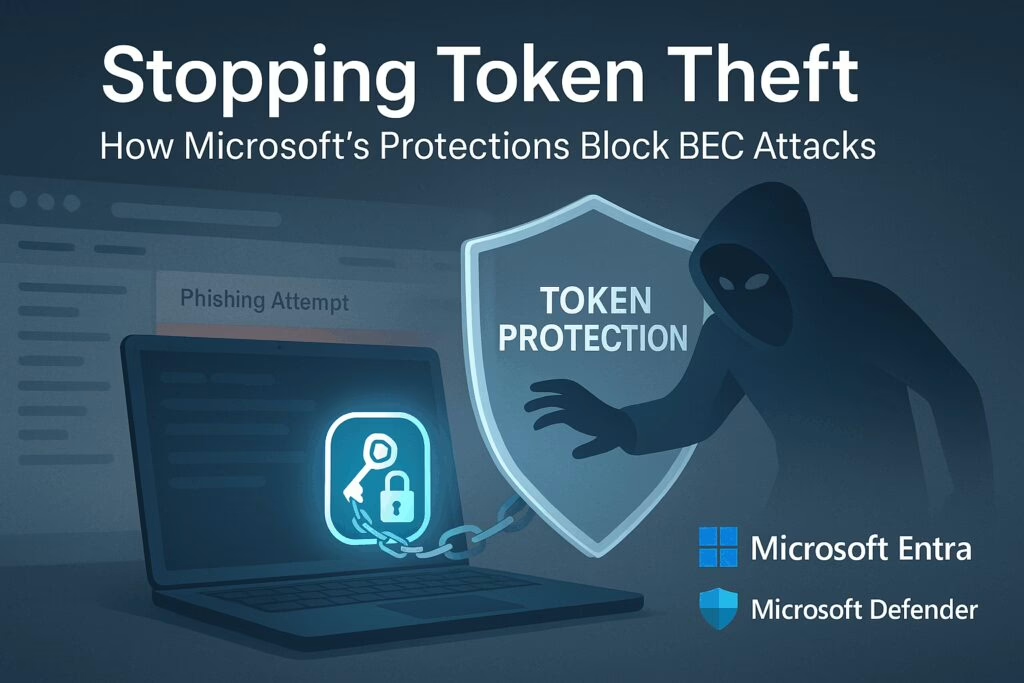
Token Protection, sometimes called token binding, is a Conditional Access (CA) feature in Microsoft Entra ID. It cryptographically ties session tokens to the specific device where they were issued, ensuring that even if a token is stolen, it can only be used on the original device.
Key Requirements and Mechanisms
- Device Binding: Tokens are bound to devices that are Microsoft Entra joined/hybrid joined/registered running Windows 10 or newer.
- Supported Platforms/Apps: Exchange Online, SharePoint Online, OneDrive sync, Teams desktop client, Power BI, Microsoft Graph PowerShell, Visual Studio 2022 with WAM broker, Windows App, and more.
- Conditional Access Policy Setup:
- Target Windows devices only
- Select client apps: Mobile and desktop clients
- Under Session controls, enable “Require token protection for sign-in sessions”
Deployment Best Practices
- Start in report-only mode to monitor compatibility
- Pilot with small groups
- Use sign-in logs and policy impact tools to review binding status before enforcing
Additional Defense Layers
- Device Hardening: Require managed/compliant devices via Intune + Defender for Endpoint, enable Credential Guard, tamper protection, and malware prevention to minimize initial token theft risk.
- Conditional Access Rules:
- Risk-based sign-in policies (via Entra ID Protection) to block or revoke access based on abnormal behavior or MFA bypass attempts
- Network-based controls such as Global Secure Access (compliant network enforcement) or IP anchoring to prevent token replay from unauthorized locations
- Continuous Access Evaluation (CAE): Real-time session revocation upon detection of suspicious activity like impossible travel or new IP access.
Microsoft Licensing Tiers That Support These Protections
- Entra ID P1: Included with Microsoft 365 Business Premium and Microsoft 365 E3 as baseline. Required for Conditional Access token protection feature in preview. Enables device-bound token enforcement via Conditional Access policies.
- Entra ID P2 or Entra Suite: Includes Entra ID Protection, which is separate from token protection. Enables advanced risk-based identity protection: risk-based access policies, detection, investigation, and remediation capabilities like sign-in risk and user risk policies.
Why You Should Implement These Protections
- Stops Token Replay Attacks: Even if malware extracts PRTs or refresh tokens, they can’t be replayed on a different device.
- Neutralizes MFA Bypass Tactics: Attackers can’t re-challenge for MFA once the token is stolen, but token binding restores control.
- Compliance Enforcement: Only approved devices and client apps can access sensitive resources.
- Improved Incident Detection: Risk-based policies and CAE provide real-time responses to unusual activity.
- Low Licensing Cost for High Impact: Entra ID P1 at approximately $6/user/month adds a significant new layer of defense.
Final Thoughts
Token-based attacks are skyrocketing because they bypass traditional MFA and steal access entirely. Microsoft’s Token Protection (included with Entra ID P1) securely ties tokens to devices via Conditional Access, blocking token reuse on unauthorized machines. For full identity risk detection and automated remediation, upgrading to Entra ID P2 or the Entra Suite brings in identity protection, CAE, and deeper risk policies. Together, these layered defenses dramatically reduce Business Email Compromise (BEC) and token replay threats.
Stay Tuned
In two weeks, we’ll drop Part 2 of this series, where we’ll dive into implementation tips for MSPs. We’ll walk through how to configure Token Protection in Entra ID P1, what pitfalls to avoid, and how to make this a standard part of your client security stack. Don’t miss it—this is where policy meets practice.
For more information on Microsoft’s security features, visit Microsoft Security.