O.MG Cable: The Ultimate Guide to Understanding and Using This Powerful Cybersecurity Tool
O.MG Cable: A Comprehensive Overview
As technology advances, so do the tools and techniques used in cybersecurity, both for protection and potential attacks. One such innovative device is the O.MG Cable, which appears to be a regular USB cable but harbors advanced modules that make it a notable tool in the cybersecurity world. This article aims to provide a detailed look at the O.MG Cable, its technical specifications, and its applications, catering to cybersecurity professionals and enthusiasts alike.
What is the O.MG Cable?
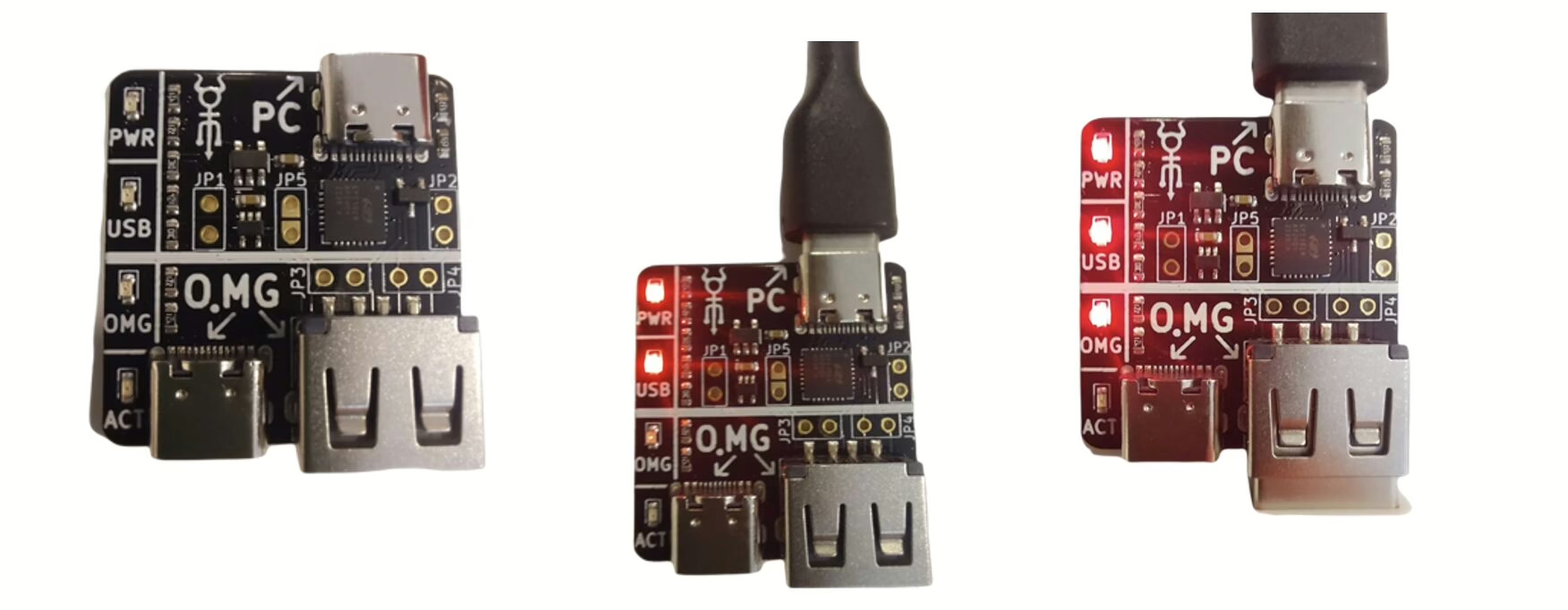
The O.MG Cable is a discreet data collection and exfiltration device. It features a web interface within its firmware, allowing it to be configured and programmed to execute specific commands or scripts automatically once connected to a target device. Despite its innocuous appearance, this cable can perform malicious activities by emulating a keyboard when plugged into a computer or phone. Designed primarily for cybersecurity testing, training, and research, the O.MG Cable has garnered significant attention in the tech community due to its unique functionality.
Types of O.MG Cable
The O.MG Cable has two distinct ends: the Active End and the Passthrough End.
Active End
The Active End is considered the more dangerous part of the cable. It comes in USB-A or USB-C types and is responsible for executing malicious activities once connected to a device.
Passthrough End
The Passthrough End is relatively harmless and can be used to monitor keystrokes from a connected keyboard, as discussed further in the Keylogging section. To avoid suspicion, this end is designed to look like a regular cable and can come in Lightning, Micro, or USB-C types, making it compatible with various devices.
Where to Buy the O.MG Cable
The O.MG Cable, a powerful tool in the cybersecurity arsenal, can be purchased from Hak5, a company specializing in information security. Customers can choose between Active and Passthrough ends. The O.MG Cable is available in two versions: Basic and Elite. The Basic version offers 8 payload slots and a speed of 120 keys/sec, while the Elite version provides 50-200 payload slots and a speed of 890 keys/sec.
Installing O.MG Cable Firmware
To utilize the advanced features of the O.MG Cable, it is essential to set up its software infrastructure. The cable requires firmware to function correctly, transforming it from a simple USB cable into a potent cybersecurity tool. The firmware enables the cable to interpret commands, execute payloads, and be managed through a web interface.
Steps to Install O.MG Cable Firmware
Web Flasher Method
Advanced Flasher Method
Upon successful firmware installation, the O.MG Cable can be managed through its web interface via a Wi-Fi connection. This interface allows for payload creation and remote device management. The cable’s “Geofencing” feature, which enables automatic command execution upon detecting specific Wi-Fi networks, also operates through this Wi-Fi connection.