Mind Games: How Cyber Criminals Trick You into Hacking Yourself
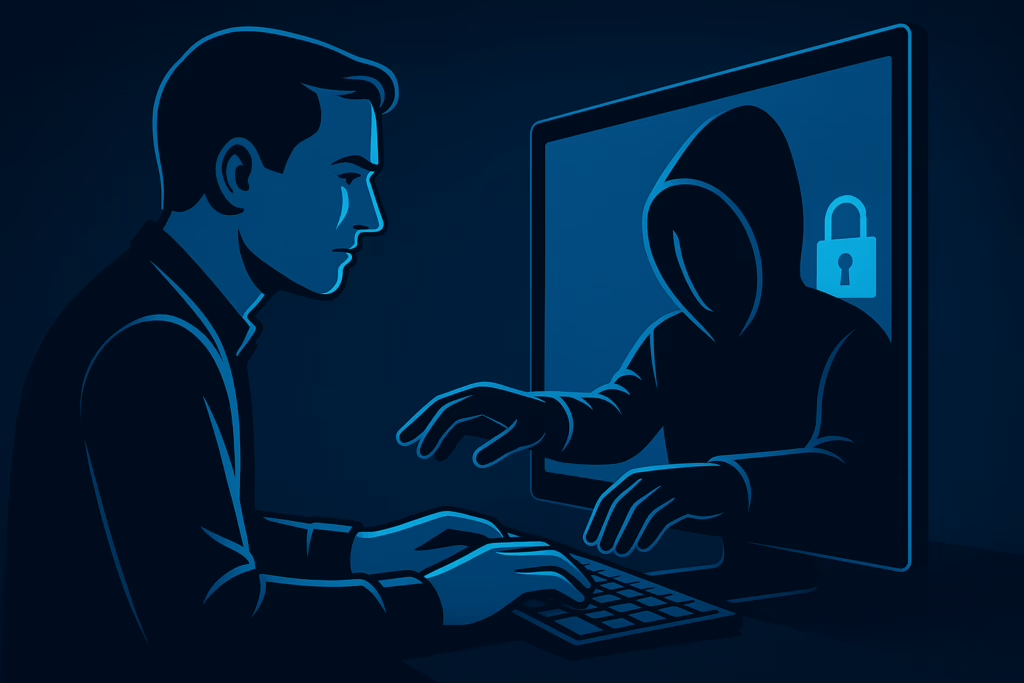
In a surprising twist on the classic “hacker vs. victim” narrative, a new cyber threat is on the rise. This time, the attacker subtly manipulates you into becoming the hacker, compromising your own system or credentials. According to a recent ZDNet article, this tactic is simple yet effective, relying on social engineering rather than external breaches.
Understanding the Attack
This cyber attack preys on human psychology, trust, and seemingly harmless prompts. Instead of using obvious malware or exploiting zero-day vulnerabilities, the attacker creates a scenario where you, the user, unwittingly compromise your own data, hand over credentials, or grant remote access. Essentially, you become the tool for your own compromise.
Examples of this attack include:
- Being asked to “help troubleshoot” by granting remote desktop access to your computer, believing it’s a legitimate helpdesk request.
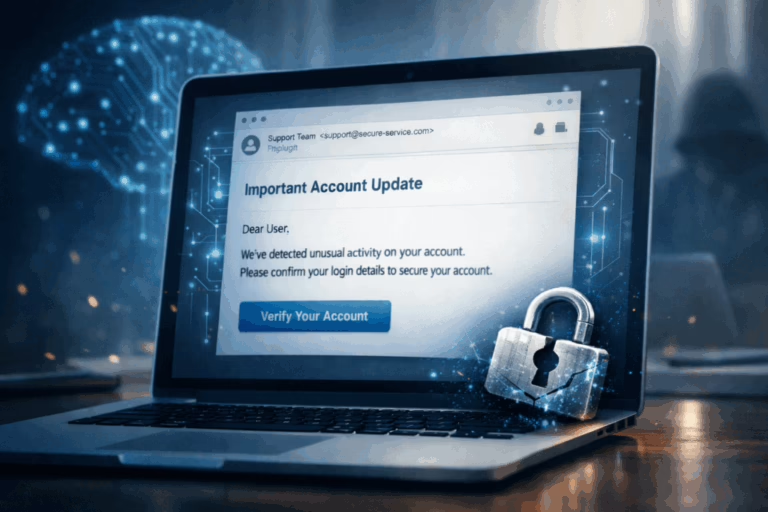
- Receiving an email or message with a link or control that you’re told is safe, but is actually a pretext for credential theft.
- Being manipulated into using your privileged account to execute a command that downloads a malicious payload.
This attack is not quite the same as classic phishing. It’s a blend of social engineering, self-compromise, and misuse of trust and permissions.
Why It Matters
- Less reliance on malware: Since you execute the action, the attacker doesn’t need to break in via stealthy malware or complicated zero-day attacks.
- Harder to detect: Traditional antivirus or firewall alerts might not trigger because you gave permission.
- Amplified by remote work: With more remote work, it’s easier for attackers to convince a remote user that the request came from the real company helpdesk.
- Human behavior is the weakest link: No matter how strong your technical defenses are, if access is granted willingly, the chain is broken.
Key Indicators
Here are some warning signs to look out for:
- Unexpected requests: You receive a message asking you to do something unusual, even if it appears to come from someone you know.
- Pressure or urgency: The request comes with time pressure or uses authority to push behavior.
- Remote tools or admin actions: The request asks you to install remote-control software, grant admin permissions, or change your account settings.
- Credential request: If you’re asked to share credentials or to log in through an unfamiliar portal.
- Unfamiliar context: Even if the request appears to be from a trusted colleague, ask if this is something they normally do.
Defenses
To protect yourself and your organization, consider the following strategies:
- Treat requests skeptically: Validate through a separate channel, even if it looks like someone inside your organization.
- Use the principle of least privilege: Restrict admin or remote-support access so that even if a user is tricked, they only have limited power.
- Educate users: Emphasize scenarios where users might execute something that gives attackers access.
- Implement multi-factor authentication (MFA): So if credentials are compromised via social engineering, there’s still a barrier.
- Log and monitor access patterns: Sudden remote-access sessions, credential changes, or unusual login locations should raise alerts.
- Maintain clear processes: Institutionalize how remote support is done so ad-hoc requests can be flagged.
Implications
Modern attackers increasingly depend on turning internal users into unwitting accomplices. Cybersecurity programs must now focus on preventing both external intrusions and self-inflicted access. Organizations relying heavily on remote access tools and distributed teams are especially at risk.
Final Thoughts
The threat we face today is not just “the attacker breaks in,” but “the attacker convinces you to let them in.” Recognizing this shift is essential for both individuals and organizations in the ongoing battle to protect our networks, data, and future.